Watch & Do Get a free video

Less reading, more doing.

Get a free video

Watch the magic.

Your sales email
1 of 24

How Slotbird would work at Linden Lane Physio

S
Sam from Slotbirdto Elena Marsh

Hi Elena,

Thanks for the call on Monday. As promised, here is how Slotbird would work at Linden Lane Physio.

Each of your three therapists gets their own column in the week view, and you can add your treatments with their own lengths and prices. To book a client, click a free slot, choose the treatment, then type the client's name.

Slotbird then sends the client a text reminder the day before. If someone cancels, the slot opens again straight away, and your waiting list gets a message.

For the front desk, there is also a day view that shows who is in which room, and a

PDF
Slotbird-pricing.pdf240 KB

01 · Personal Demo

Win the deal with a demo made for them.

Sales emailPersonal Demo

From 5,000 krthen 300 kr per prospect

Get a Personal Demo
Your release notes
Tasklark

Version 4.2

Timeline view is here

See every task in your project laid out week by week. Switch between Board, Timeline and List at the top of any project.

New

  • Timeline view for every project
  • Group the lanes by status, person or label
  • Drag a task to move its dates

Improved

  • Boards with 500+ tasks load faster
  • Clearer due dates in the task panel

Fixed

  • Comments no longer jump while someone else types
  • CSV export keeps your column order

02 · Launch Video

Show the new feature the day it ships.

Release notesLaunch Video

2,500 krphone version included

Get a Launch Video
Your text post
S
Stockwren@stockwren · 2h
···

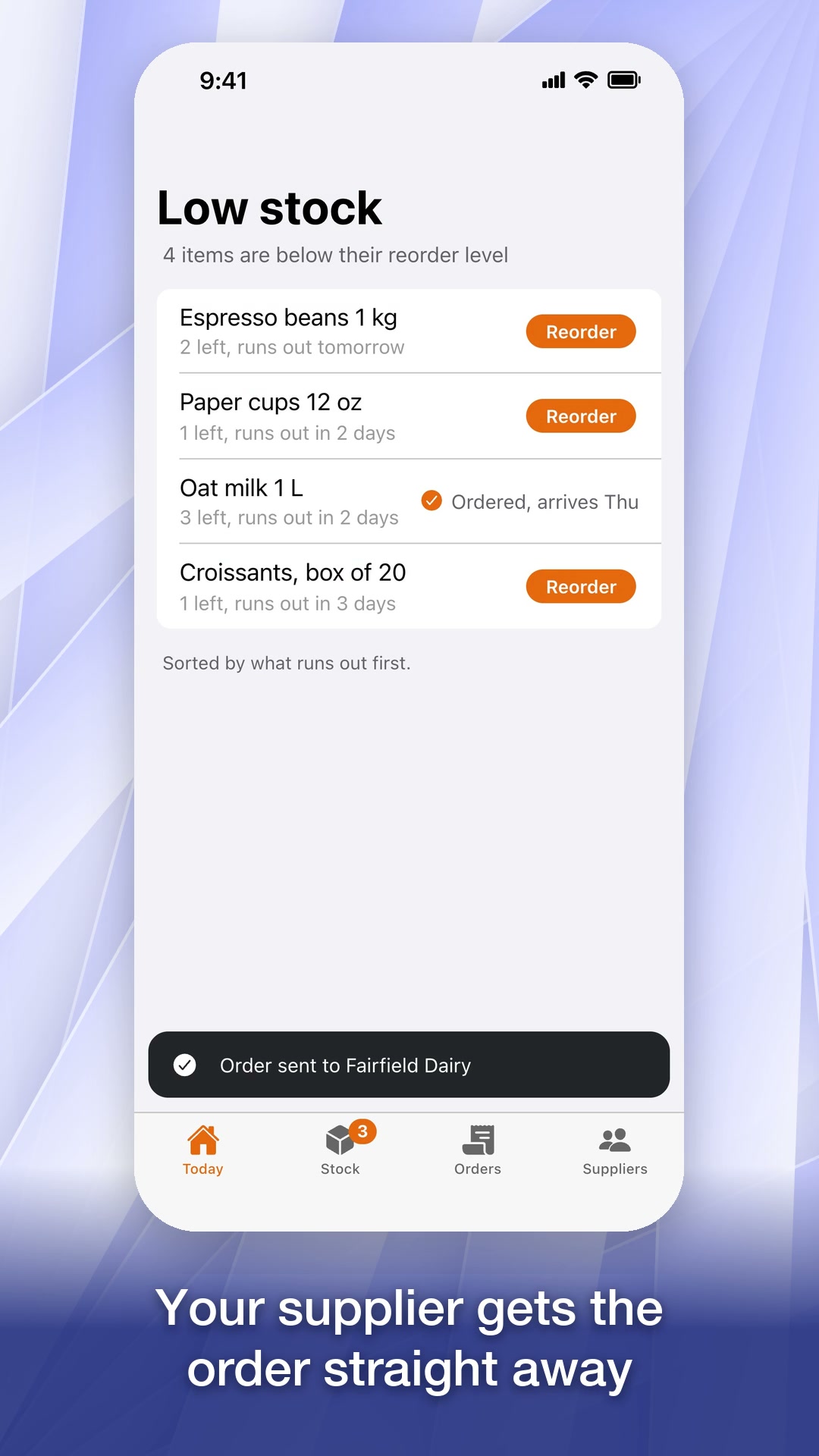
Running a café means running out of oat milk at the worst moment. Stockwren shows what is running low before you run out, and reorders from your supplier in two taps.

stockwrenStock for small cafés and shops
♡ 128↻ 14✎ 9↗

03 · Social Short

Meet people where they scroll.

Text postSocial Short

Freewith every Launch Video

Get a Social Short
Your help article
Ledgerpine Help CentreSearch for articles

Help Centre › Invoices › Reminders

How to send a reminder for an overdue invoice

Updated 3 days ago · 2 min read

If a customer has not paid by the due date, you can send them a friendly reminder straight from Ledgerpine.

  1. Open Invoices in the menu on the left.
  2. Click the Overdue tab to see every invoice past its due date.
  3. Find the invoice and click Send reminder.
  4. Check the message. It is already written for you, with the amount and the due date.
  5. Click Send reminder. The invoice now shows "Reminder sent".
Was this article helpful?YesNo

04 · How-To Clip

Answer the question before it becomes a ticket.

Help articleHow-To Clip

10 for 7,500 kr

Get a How-To Clip
Your staff handbook
Harbour BakehouseStaff handbook

Staff handbook / Rota and shifts

Swapping a shift

Last edited by Maria Lund · 2 Oct 2026

If you cannot work a shift on the rota, you can offer it to a colleague in Shiftmoss. Your manager only needs to approve the swap.

Steps

  1. Open Shiftmoss and go to My shifts.
  2. Click the shift you want to swap.
  3. Click Offer a swap.
  4. Choose a colleague. Only people who are free that day are listed.
  5. Add a short note and click Send request.

Tip: ask for swaps at least 24 hours before the shift starts.

05 · Team Training

Teach a system once, not every week.

Staff handbookTeam Training

Free first video

Send one link and we make your first video for free.

  1. 01

    Send one link

    A help article or a page of your app.

  2. 02

    Invite us

    Add our email as a user in a demo account.

  3. 03

    Get your video

    A short video of those steps, made for you.

Prices

Opening offer Half price for our first 10 customers.

Personal Demo
From 5,000 kr, then 300 kr per prospect
Launch Video
2,500 kr, phone version included
Social Short
Free with every Launch Video
How-To Clip
10 for 7,500 kr
Team Training
10 for 9,000 kr

Always Current

We keep every video up to date when your app changes.

From 1,500 kr a month

Your first video starts here.

Get a free video